Audio Forge 1.4.16: Local API + Official Stream Deck Plugin
Audio Forge 1.4.16 ships with a built-in Local API and an official Elgato Stream Deck plugin. Control your music, ambiance, and echoes from a physical button panel -- no broker, no extra software.
- authors
- Slashpaf
- published
Audio Forge 1.4.16 brings a major new feature.
The app now ships with a built-in Local API – a lightweight HTTP and WebSocket server running right inside Audio Forge. And built on top of it: an official Elgato Stream Deck plugin, live on the Marketplace today.
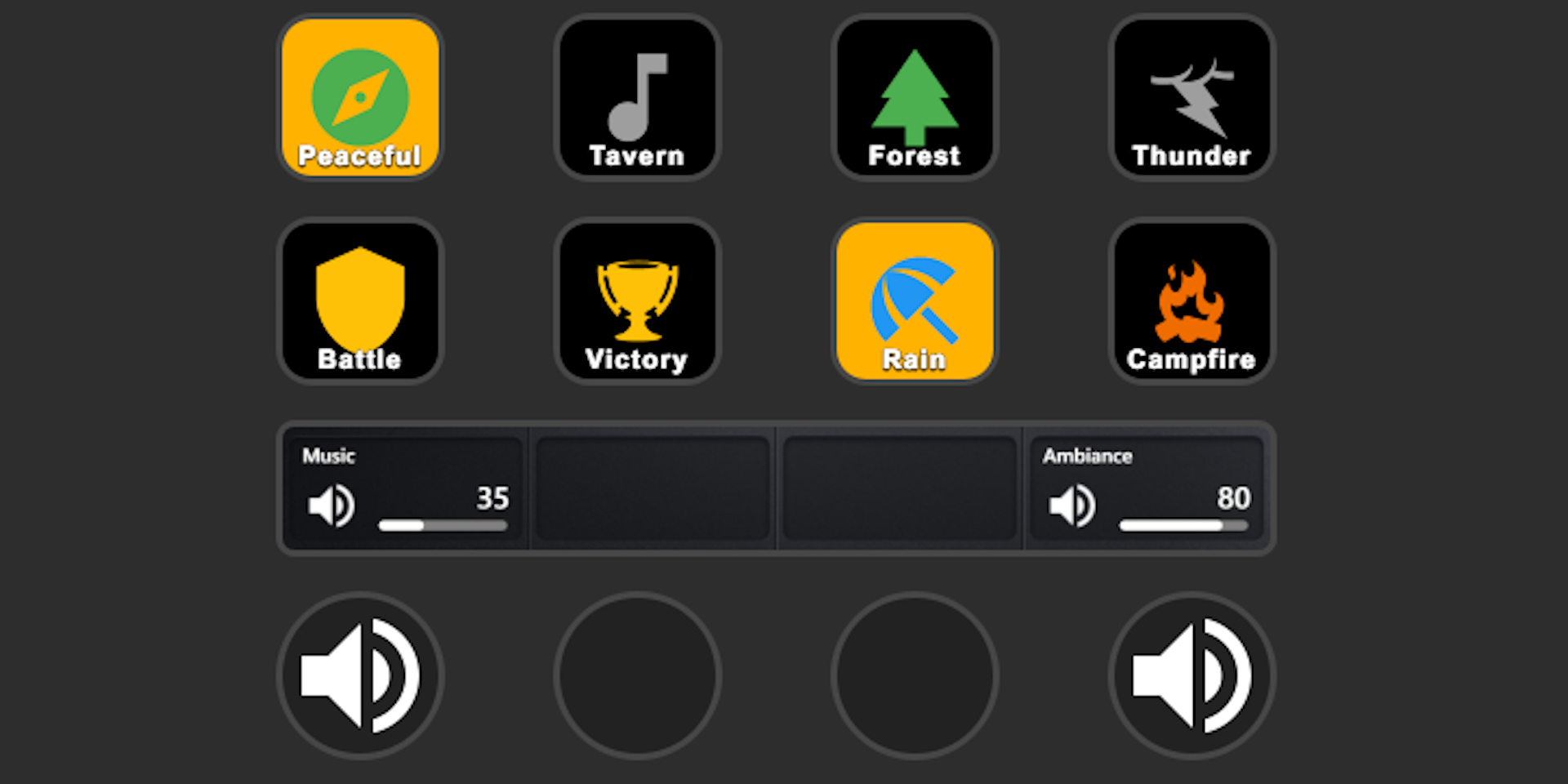
The Stream Deck plugin
Six actions. Every major control surface, one button panel.
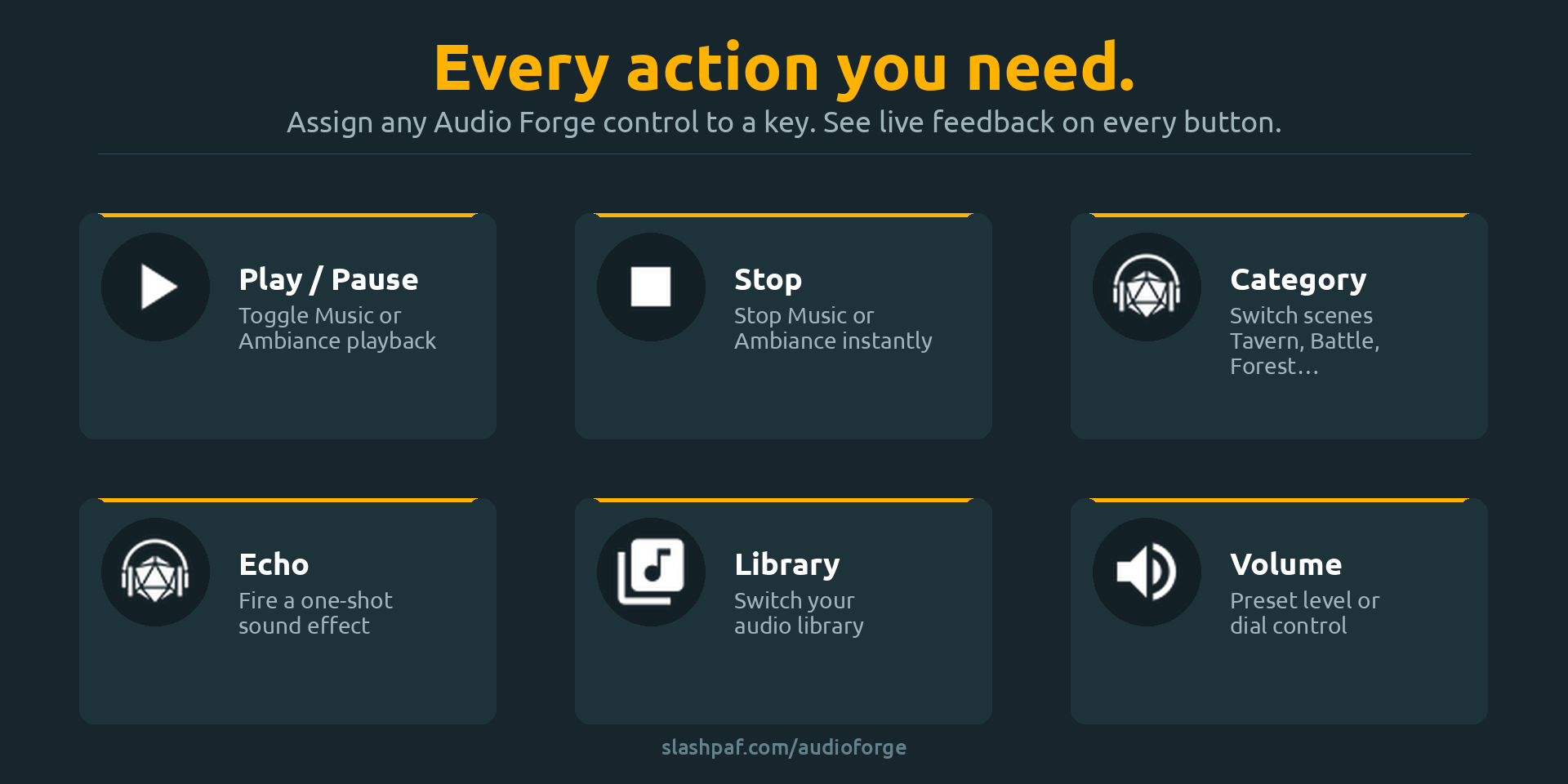
- Play / Pause – toggle music or ambiance with one press
- Stop – cut all playback for a section
- Category – activate a specific sound category; the button shows its custom icon and color
- Echo – fire a one-shot sound effect on demand
- Volume – set or adjust volume; the Stream Deck+ dial works too
- Library – switch between campaign setups instantly
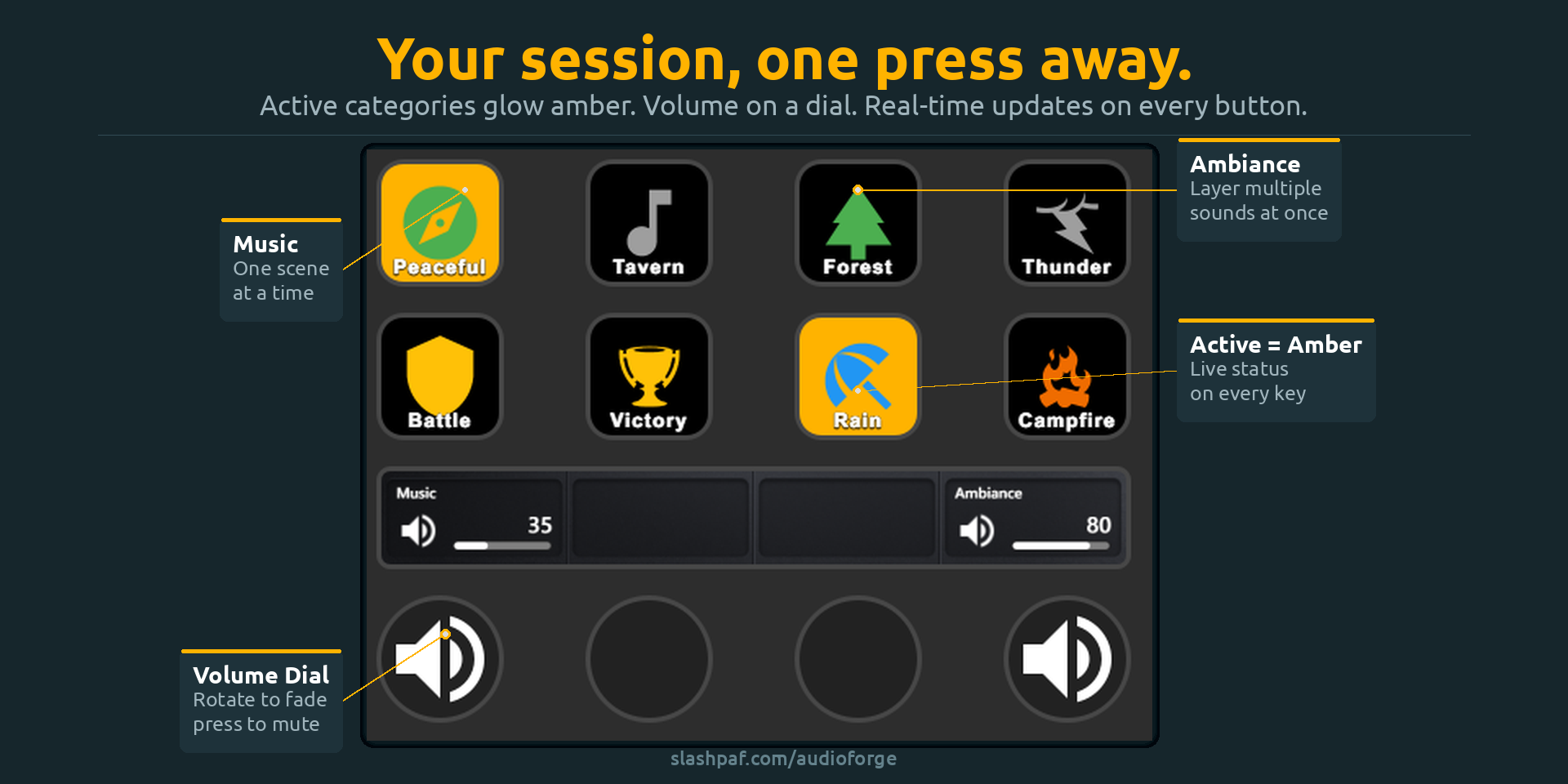
Buttons stay in sync with the app in real time. Active categories light up, volume reflects the current level, the active library is highlighted. When Audio Forge is closed, buttons show an offline state and remember their labels and icons. Press any button to relaunch the app.
The plugin works with Audio Forge on any platform: Windows on the same machine connects automatically, and Android or iOS can be used over your local network with the Listen on LAN option.
Get the plugin on the Elgato Marketplace
The Local API
Already using the MQTT integration? Keep using it. MQTT is still the right choice for Home Assistant, smart home scenes, and multi-device setups.
The Local API is a new lighter option for direct control from your PC – no broker to install, no network to configure. Enable it in Settings → External Control → Local API and start sending commands immediately:
# See what's playing
curl http://localhost:8329/api/state

# Play the Battle category
curl -X POST http://localhost:8329/api/command ^
  -H "Content-Type: application/json" ^
  -d "{\"command\":\"play\",\"section\":\"Music\",\"categoryName\":\"Battle\"}"
For tools that need live updates, connect a WebSocket to ws://localhost:8329/ws. The server pushes state automatically on every change – no polling needed.
LAN access is available too. Enable Listen on LAN in Settings and Audio Forge becomes reachable from any device on your network, protected by an auto-generated API key.
Full Stream Deck documentation | Full Local API documentation
Get Audio Forge 1.4.16
Have questions or want to share your setup? Join the community on Discord.